
Gaming chairs have become an essential part of a comfortable gaming setup, especially for people who spend long hours playing games, working, or streaming. The right gaming chairs can provide better support, improve sitting posture, and make extended sessions more comfortable. However, with so many styles, materials, features, and price ranges available, choosing the right chair can be confusing.
At ChairFloor.com, we help you understand what really matters when selecting a gaming chair. From ergonomic support and adjustable features to durability, comfort, and overall value, this guide will help you make a more informed decision and find a chair that fits your gaming setup and everyday needs.
The best gaming chairs are not simply soft or heavily padded. They provide long-term comfort, long-term support, and enough flexibility to accommodate different sitting positions. OSHA recommends a chair that supports the back, legs, arms, and body while allowing users to change positions throughout the workday. ([OSHA][1])
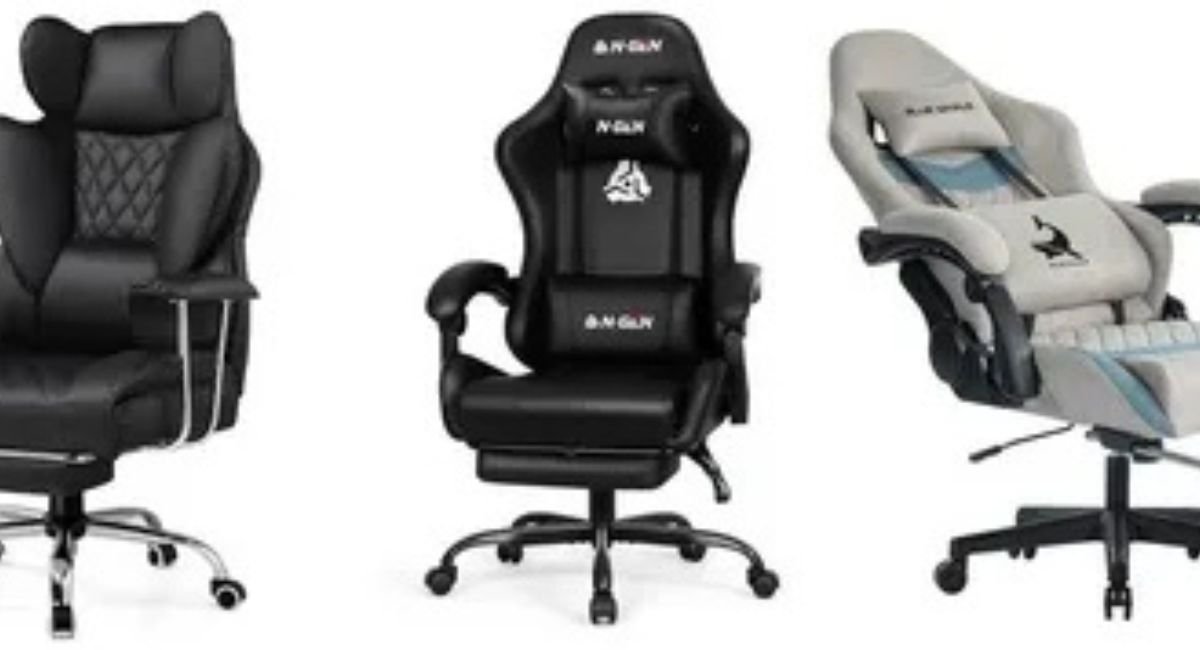
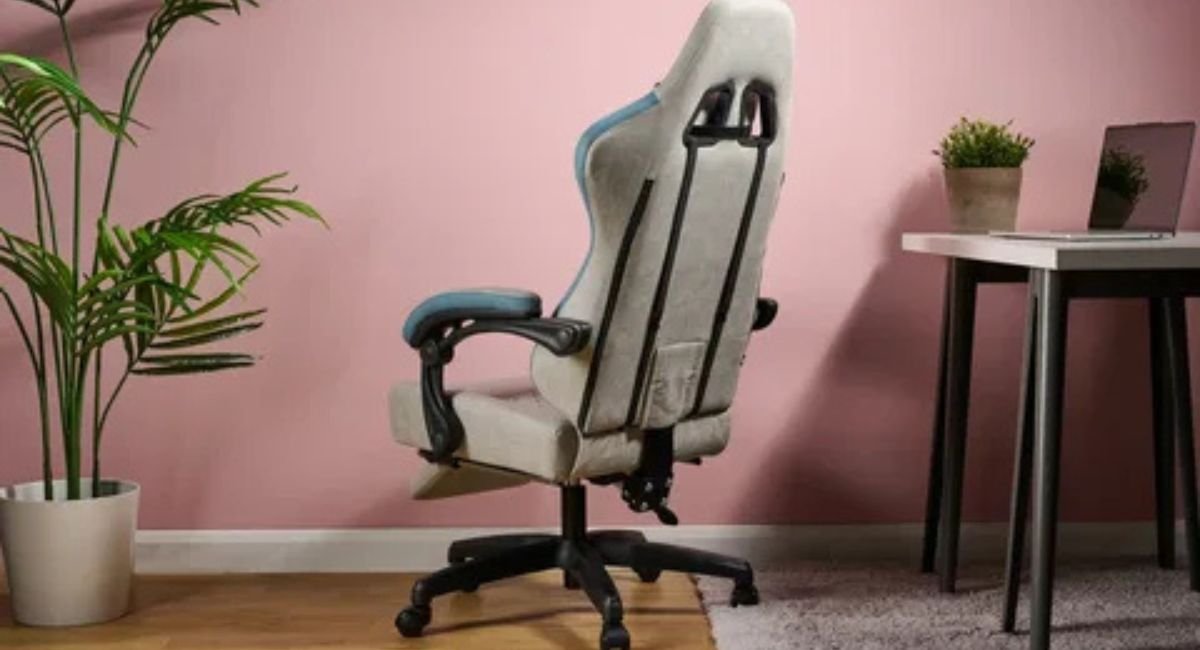
Are Gaming Chairs Actually Comfortable?
The short answer is yes, but comfort depends heavily on the chair and the person using it. Good gaming chair ergonomics start with proper dimensions, adequate ergonomic support, and an ergonomic design that matches your body. A supportive chair should encourage proper posture and natural posture without forcing you into one rigid position.
Comfort also changes dramatically during long sitting sessions. A chair may feel soft initially but create pressure after several hours. The right gaming chair for long hours should maintain consistent support, provide sensible weight distribution, and reduce unnecessary pressure around your hips and thighs. OSHA specifically recommends testing chairs for fit and considering seat depth, back support, armrests, and adjustability before purchasing. ([OSHA][1])
A useful way to judge a chair is to focus on how your body feels later, not immediately. Check whether your gaming chair lumbar support keeps your lower back supported without pushing aggressively against it. Your gaming chair back support should complement your spine alignment, while the seat should provide seat support without restricting movement. This matters especially for people using a gaming chair for long sitting.
The same principle applies when choosing a gaming chair for work and gaming. Someone who spends eight hours working and three hours gaming needs more than attractive styling. Look for an adjustable gaming chair with strong gaming chair adjustability, appropriate seat dimensions, supportive materials, and a stable base. Mayo Clinic similarly recommends supporting the spine, keeping feet supported, and positioning armrests so shoulders remain relaxed. ([Mayo Clinic][2])
Why Gaming Chairs Become Uncomfortable Over Time
A chair rarely becomes uncomfortable for just one reason. The problem often develops when the gaming chair foam loses resilience, the lumbar area stops matching your back, or the chair’s dimensions simply do not fit your body. Good foam durability matters because repeated compression can change the feel of a seat. A high-density foam gaming chair may offer better resilience, but foam density alone does not guarantee comfort.
Another overlooked issue is seat geometry. If the seat is too deep, shorter users may struggle to use the backrest correctly. If it is too short, taller users may lose useful thigh support. OSHA recommends adjustable seat depth because different body sizes require different seating dimensions. ([OSHA][1]) This is why a gaming chair seat cushion should be judged by its support, dimensions, and pressure distribution rather than softness alone.
Many comfort complaints also come from incorrect setup rather than defective chairs. Poor chair adjustability, incorrect height, unsupported feet, or badly positioned armrests can undermine an otherwise excellent design. OSHA recommends keeping feet supported, shoulders relaxed, elbows close to the body, and the back properly supported. ([OSHA][3]) A gaming chair for extended use therefore needs both good hardware and correct adjustment.
Material quality creates another long-term difference. Breathable upholstery can feel more comfortable during extended use, while stronger construction can help preserve material durability and chair stability. A durable gaming chair should also have a dependable base, casters, gas lift, and tilt mechanism. These components affect everyday usability just as much as the padding does.
What Happens to Your Body During Long Sitting Sessions?
Your body notices a poorly configured workstation long before you notice the chair itself. During extended sitting, unsupported areas can become fatigued, while awkward positioning can increase pressure around the lower back, hips, shoulders, and legs. A chair cannot eliminate the effects of staying still for too long, but proper body support can make your working position more sustainable.
The goal is not to hold one perfect sitting position all day. Instead, good posture support should allow you to move between comfortable positions while maintaining useful support. OSHA notes that prolonged work in the same posture is not healthy and recommends changing positions, making small chair adjustments, stretching, and periodically standing or walking. ([OSHA][4]) Mayo Clinic also recommends regular movement and stretching to reduce stiffness associated with prolonged desk work. ([Mayo Clinic][5])
Your workstation matters just as much as your chair. A monitor that sits too high can encourage an awkward head position, while a desk that is too high can raise your shoulders. The result can be discomfort that you mistakenly blame on the chair. A properly configured gaming chair posture setup should therefore include a suitable monitor, keyboard, mouse, desk height, and foot position.
For example, imagine a remote worker who spends eight hours at a computer. Their chair may have excellent lower back support, but their monitor sits too low and their armrests sit too high. They may lean forward repeatedly and raise their shoulders. The chair is not necessarily the problem; the entire workstation needs better body alignment. OSHA emphasizes this complete-workstation approach. ([OSHA][6])
Gaming Chairs vs. Office Chairs: Which Is More Comfortable?
The gaming chair vs office chair debate becomes easier when you stop treating the categories as opposites. Office chairs often emphasize workplace ergonomics, while gaming chairs may emphasize reclining, styling, and immersive design. However, modern products overlap considerably. A well-designed gaming chair can provide excellent ergonomic seating, while a poorly designed office chair can still be uncomfortable.
The office chair vs gaming chair choice should therefore depend on your body, workspace, and daily routine. If you want a gaming chair for back support, prioritize adjustable lumbar support, seat depth, armrests, and recline rather than racing-inspired styling. If you frequently switch between gaming, work, and entertainment, a reclining gaming chair can provide useful position changes when its mechanism is properly designed.
| Feature | Gaming Chair | Office Chair |
|---|---|---|
| Reclining | Often generous | Usually available |
| Lumbar support | Varies by model | Often ergonomically focused |
| Armrest adjustment | Model-dependent | Often highly adjustable |
| Seat design | Racing or flat styles | Usually ergonomic styles |
| Gaming aesthetics | Usually stronger | Usually understated |
| Work and gaming | Strong option with the right design | Strong option with the right design |
| Long-session comfort | Depends on fit and features | Depends on fit and features |
Neither category automatically wins. OSHA recommends focusing on adjustable height, appropriate seat dimensions, lumbar support, armrest positioning, and a stable five-leg base. ([OSHA][7]) In other words, comfortable seating comes from good design and proper fit, not from a label printed on the box.
What Actually Makes a Gaming Chair Comfortable?
The most important features work together rather than independently. A chair needs supportive cushioning, sensible dimensions, reliable mechanisms, and useful adjustment options. Gaming chair armrests should let your shoulders stay relaxed while your forearms receive support. OSHA recommends adjustable armrests that support the forearms without interfering with desk positioning. ([OSHA][3])
A good gaming chair tilt mechanism also matters because changing your angle can make long sessions more comfortable. Seat construction matters equally. A supportive seat should distribute pressure without creating hard contact points. Strong seat foam, resilient supportive foam, and quality upholstery can contribute to better sitting comfort over time, although no material specification should replace testing the actual chair.
Fit deserves equal attention. Your feet should remain supported, your knees should avoid excessive pressure from the seat edge, and your back should contact the backrest properly. OSHA recommends a seat that supports the thighs without pressing against the back of the knees. ([OSHA][1]) These details are particularly important when comparing a supportive gaming chair with a cheaper model that relies mostly on padding.
The adjustable chair concept is simple: the chair should adapt to you rather than forcing your body to adapt to it. Useful adjustments include height, recline, armrest position, lumbar placement, and sometimes seat depth. A strong chair structure and stable base then keep those adjustments dependable during everyday use. That combination is more meaningful than flashy extras that rarely affect real comfort.
How to Choose a Comfortable Gaming Chair
Start by measuring yourself before comparing brands. Check your height, approximate weight, shoulder width, and leg length against the manufacturer’s specifications. Pay particular attention to seat width and depth. OSHA’s purchasing guidance emphasizes trying chairs for comfort and fit and considering adjustable seat depth, lumbar support, armrests, and base construction. ([OSHA][7]) These measurements can eliminate unsuitable options before you spend money.
When shopping for the best gaming chair for long hours, do not focus solely on reviews or appearance. Look for useful gaming chair adjustability, supportive lumbar construction, appropriate seat dimensions, reliable recline, and materials suited to your environment. If possible, test the chair for an extended period. Notice whether your feet remain supported, whether the seat edge creates pressure, and whether your shoulders stay relaxed.
A simple buying test can prevent expensive mistakes. Sit normally, adjust the height, place your feet firmly on the floor, and position the backrest so your lower back receives support. Then adjust the gaming chair armrests until your shoulders relax and your elbows remain close to your body. Mayo Clinic recommends similar positioning for desk work, including supported feet, relaxed shoulders, and appropriate armrest height. ([Mayo Clinic][2])
Also consider what happens after the first year. Durable materials, reliable mechanisms, warranty coverage, and replacement parts can make a chair a better long-term purchase. Avoid choosing a chair solely because it feels extremely soft or looks premium. The better question is whether its construction can deliver reliable support throughout your normal hours of sitting.
Final Verdict: Are Gaming Chairs Comfortable?
Yes, well-designed gaming chairs can be extremely comfortable, but comfort is highly individual. The strongest choices combine ergonomic design, useful adjustment, appropriate dimensions, quality cushioning, and reliable long-term support. They should also work with your desk and monitor instead of trying to compensate for an incorrectly configured workstation.
Ultimately, the best chair is the one that fits your body and supports how you actually use your computer. A gaming chair for extended use should encourage movement rather than lock you into one position. OSHA recommends changing positions regularly and keeping your back and feet supported. ([OSHA][4]) So judge a chair after extended use, not just during the first few minutes.
